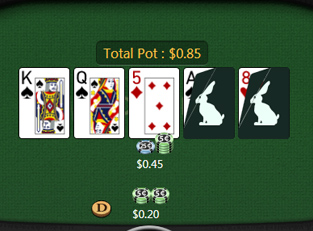

Revenge is a Dish Best Served with a Splash!
What are Splashes?
- Express your feelings using new actions
- Items include Egg, Water Bucket, Smoke, and Punch
- Items can be obtained if you lose a big pot. They can be used on opponents that beat you
Rules of Splashes
- Splashes are obtained when losing a big pot; usually 50BB or higher
- Splashes can only be used against the player that won the pot
- A Splash contains 4 items: Egg, Water Bucket, Smoke, Punch
- Only 1 item can be used per Splash – so choose wisely
What can I throw?
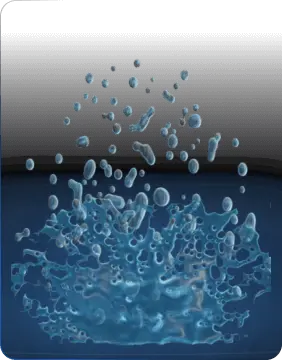 Water Bucket
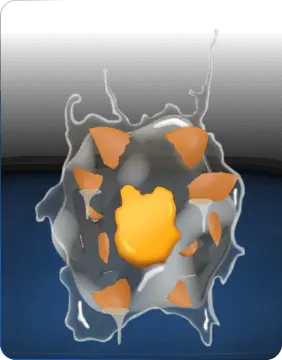 Egg
 Smoke
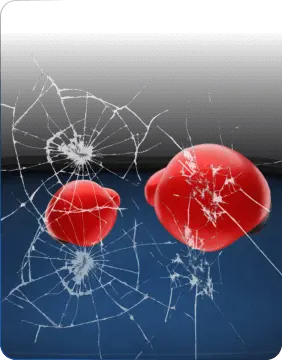 Punch
Table Reactions
- Right-click a PC or long-press on a Mobile to open the react option
- Use the thumbs up/down reaction to express your feelings
- All users, including those sitting-out, can send bet reactions
Control the Adrenaline Rush – Squeeze the Cards Any Way You Want!
What is Card Squeeze?
- Squeeze your hole cards like you would at the live tables for a realistic feel and excitement
- Press the ‘Open’ button to immediately reveal your cards
- You have until your turn is over to finish squeezing your cards
Board Card Squeeze
- Squeeze the board cards in an All-In, Showdown situations on Turn or River for more adrenaline pumping fun
- Board card squeeze is available for both the Favorite and the Underdog
- Board card squeeze is available based on the pot size and game type
Experience Poker Through Legendary Voices.
What is My Action Voice?
- Bring every poker action to life with the voice of a legend.
- Choose from a variety of Action Voice Packs, including poker’s biggest names.
- Every action speaks in the voice you select.
- Everyone at the table will hear your unique Action Voice.
Choose Your Action Voice
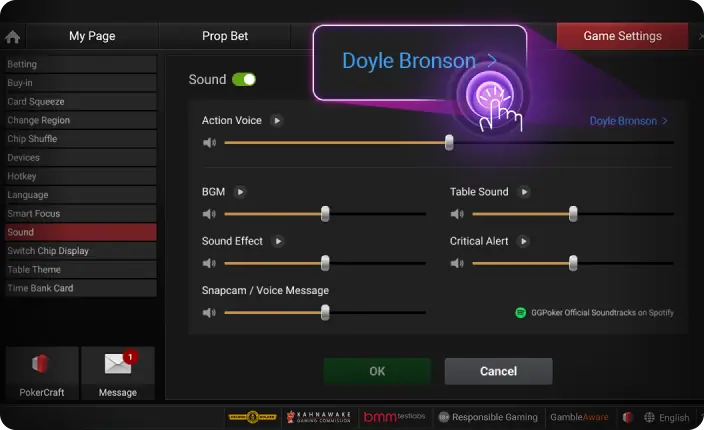
Open the Sound menu
From Game Settings, open the Sound menu and click your current Action Voice.
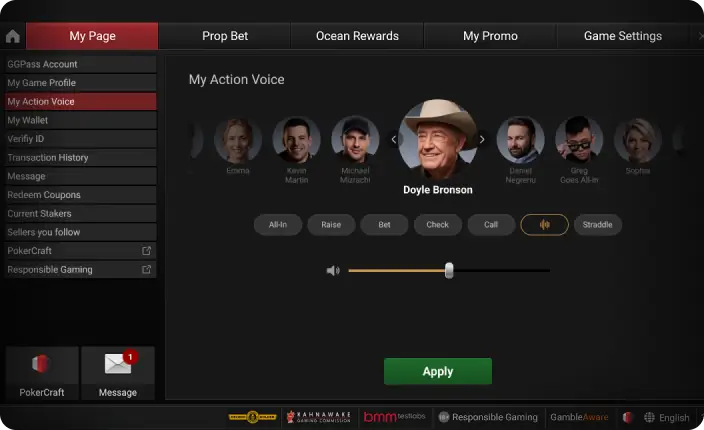
Choose an Action Voice
Preview different Action Voices and choose the one that fits your style.
Share with the Table, your Friends, or the Whole World!
SnapCam
- Use your camera to express your feelings
- GGPoker’s SnapCam feature allows you to share your excitement and disappointment with your table mates
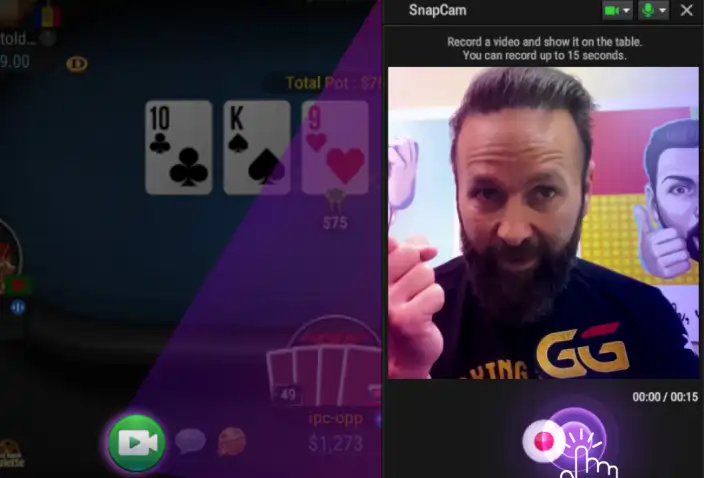
Start recording
Press the ‘SnapCam’ icon next to the ‘Emoji’ and ‘Chatbox’ icons. Up to 15 seconds of video can be recorded.
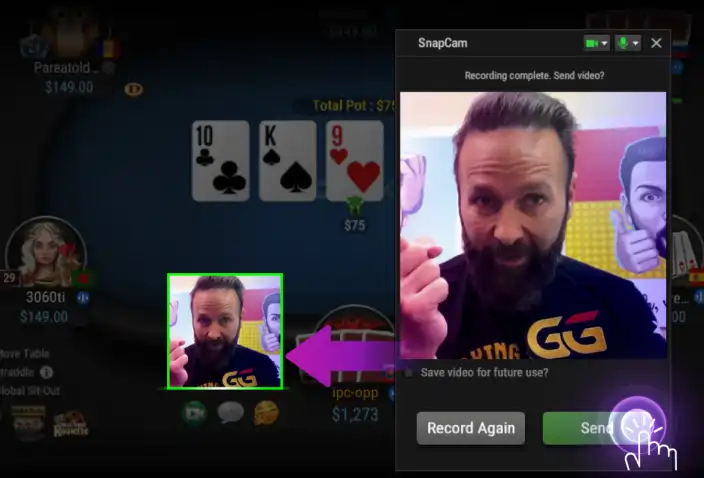
Send the video
Once the recording is done, press ‘Send’ to share the video with everyone on the table.
More Information about SnapCam
- To use SnapCam, your device must support camera function
- Microphones can also be used if available
- Muted (ie. ‘Helmet Mode’) players cannot view SnapCam content
- Up to 4 SnapCam videos can be shared simultaneously at a single table
- If more than 4 videos are shared, the videos will be queued
- SnapCam can also be blocked through each player’s profile page.
Social Media Sharing
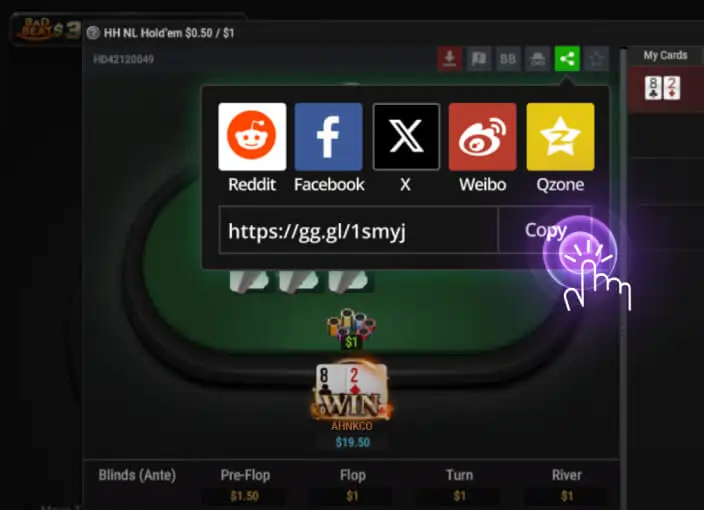
- Every hand can be accessed and exported as a Hand Moment through PokerCraft
- Hand Moments are captured as a single image that can be uploaded to various social media
- The hand can be shared directly to your favorite social media
- Hand History URL can be used to directly link the hand history
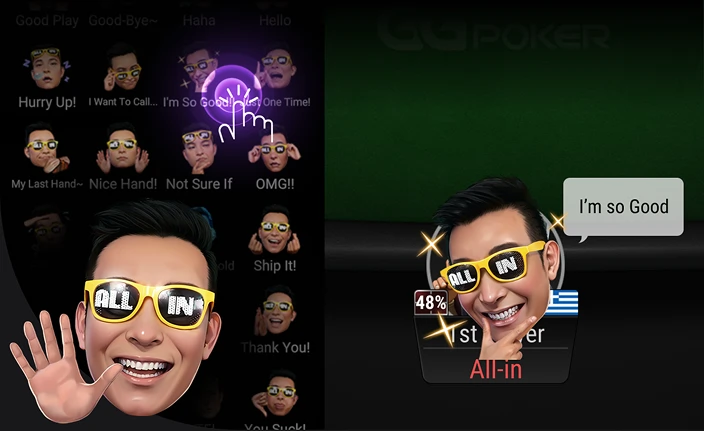
Emoji
- Use Emojis to express your emotions and interact with other players
- Our Emoji integration will bring more entertainment to the table
Using Emoji
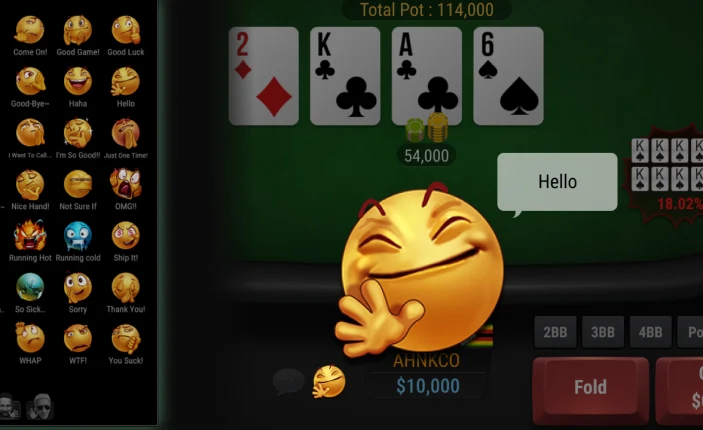
During Play
- Emoji menu can be opened at any time during a hand
- Selected Emoji will instantly be displayed
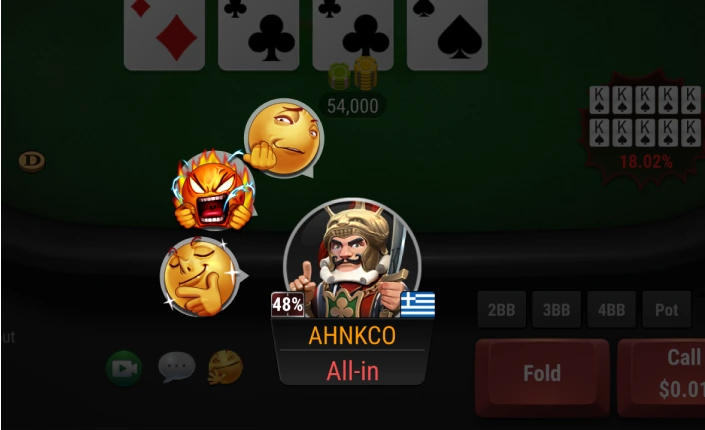
After the Hand
- 1 of 3 Emojis can be selected after the hand for a faster reaction
Brand Ambassador Emoji
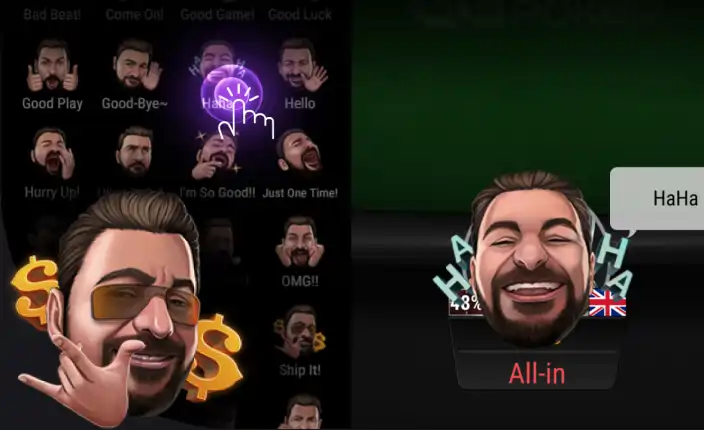
Switching Emojis
- Basic Emojis can be switched to our special Brand Ambassador Emoji, featuring ‘DNegs’ and ‘ElkY’
Show up, Show Out
- All the Emojis are changed to the special Brand Ambassador Emoji, including the after hand reaction Emojis
Voice Message
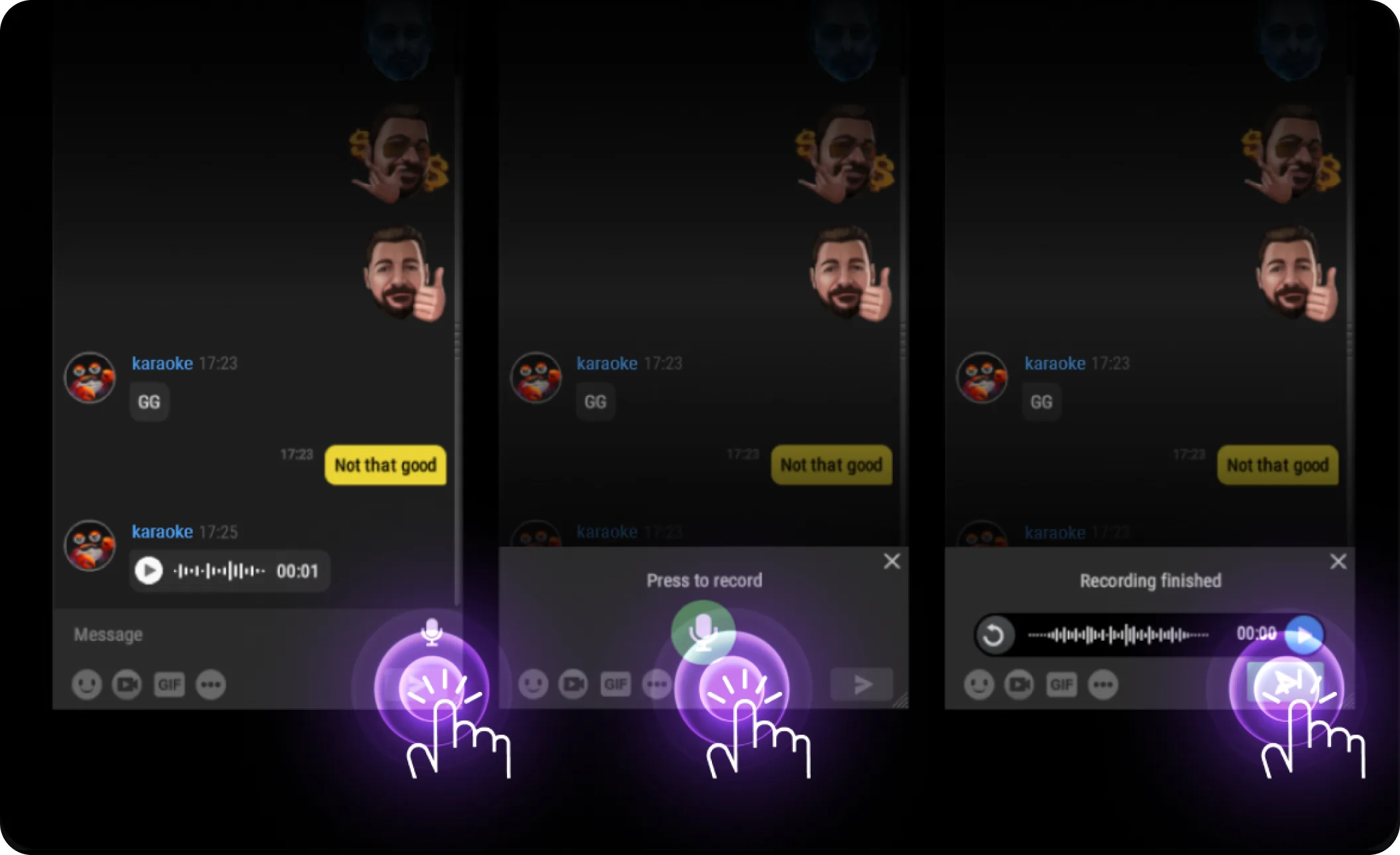
Bring your voice to the table to chat with other players, while enjoying your favorite poker game
- Press ‘Microphone’ button to open the recording screen
- Press it once more to begin recording your message
- Voice message can be recorded for up to 120 seconds
Promotion Details and Limitations
- Players must be aged 18+, 19+, 21+ or 24+ depending on their jurisdiction, to participate in the games or promotions.
- Prize pools, guarantees, promotions, tournaments, games, and game features are subject to change, suspension, or termination at any time.
- General Terms and Conditions, House Rules, and the Security & Ecology Policy apply. Actions may be taken against fraudulent activity or breaches of these policies.
- All games, tournaments, features, and promotions are subject to local laws and regulations; availability and eligibility vary by jurisdiction.
- Card Squeeze On/Off can be configured at Game Settings > Card Squeeze.
- Open/Squeeze options and preference settings are not provided for board cards.
- Board card squeeze is available based on the pot size and game type: Hold’em, Omaha, R&C — pots larger than 100BB; Short Deck — pots larger than 100 antes; Tournament — no restrictions.
- The broadcast of offensive content, such as racist or sexist content or images, is not permitted. Players may not use SnapCam or Audio Space to harass others. If you witness a player broadcasting such content, please contact help to make a report.
- Players found misusing Social Features will lose access to the feature and GGPoker may take further measures if deemed necessary, such as restricted microphone usage.
- Please be aware that submitting false reports may also lead to unfavorable consequences.
New to Betkings?
Sign up through Betkings and get access to our promotions on GGPoker.
More